
Yes, Facebook does limit the reach of posts that include external links, especially when those links take users off the platform. If your posts suddenly feel invisible, the link in your caption may be a big reason why.
This is not a glitch. It is a business decision. Facebook prioritizes content that keeps people scrolling inside the app, which means posts that send users elsewhere often get pushed down in the feed.
Why Facebook Deprioritizes External Links
Facebook’s core goal is to keep users engaged on its platform as long as possible. The longer someone stays, the more ads they see. External links interrupt that flow.
As a result, posts with links in the main caption often receive less distribution. In some cases, newer or unverified business accounts may see even sharper limits as Facebook tests how their content performs.
What This Means for Your Business Content
If your strategy relies on posting links to blogs, products or announcements, you may be unintentionally reducing your own visibility. Even strong content can struggle if the format works against the platform.
This does not mean you should stop sharing links. It means you need to be more intentional about how and when you use them.
Use Native Content to Carry the Message
The most reliable way to maintain reach is to deliver value directly in the post. That means using:
Photos with informative captions
Carousels that explain a process or idea
Short-form videos or Reels that tell the story
Give your audience the full takeaway without requiring a click. If the content stands on its own, it is more likely to be seen and shared.
This approach also builds trust. People begin to expect that your posts are worth their time, even if they never leave Facebook.
Move Links to the Comments or Follow-Up
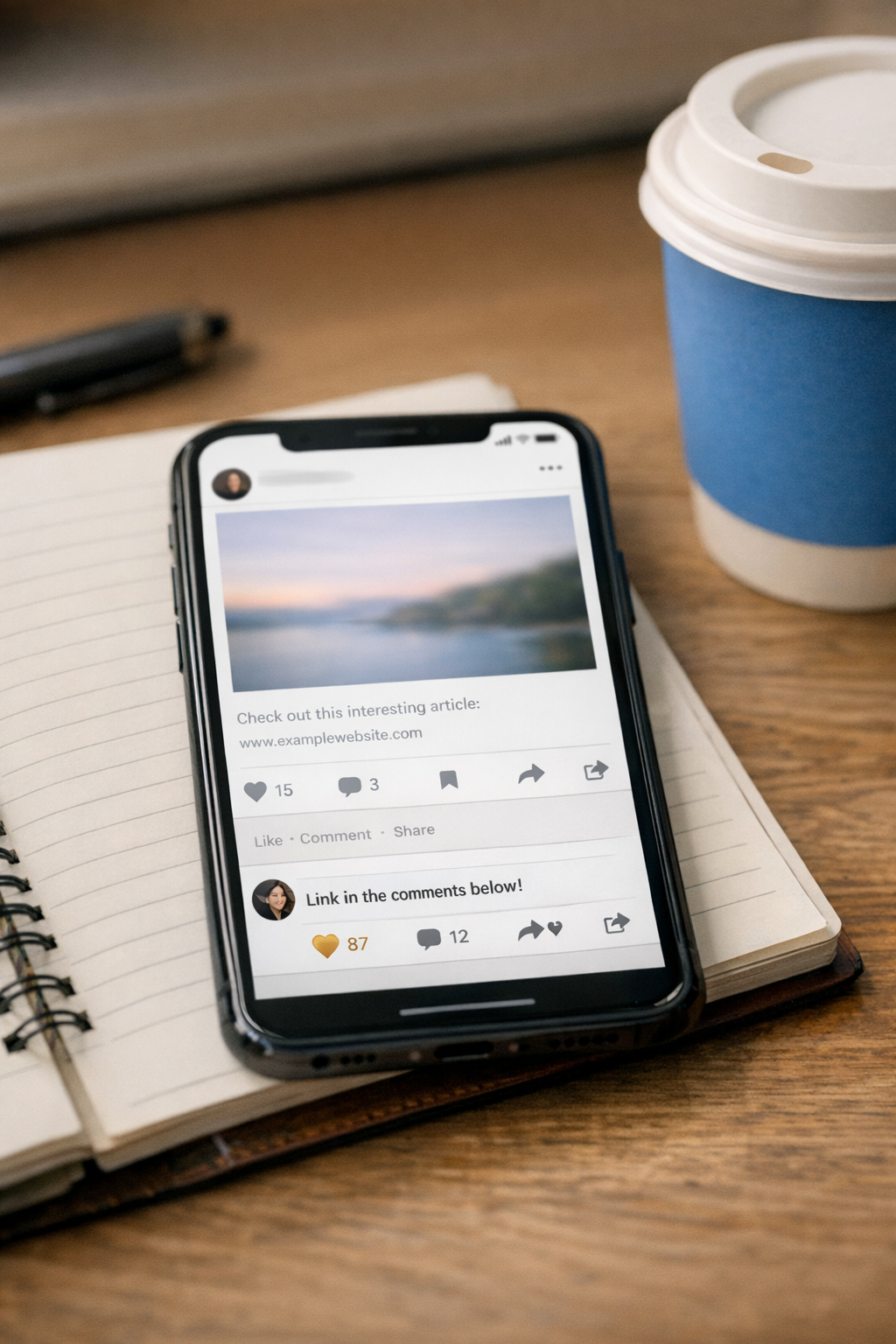
One common workaround is to place the link in the first comment instead of the caption. This can help preserve reach while still giving interested users a path to click.
You can also reference the link in your caption with a simple note like “link in comments.” It is not perfect, and formatting can be inconsistent, but it often performs better than leading with a link.
Save Link Posts for What Matters Most
Not every post needs a link. In fact, most should not. Reserve link posts for:
Major announcements
Time-sensitive updates
Critical pages like registrations or applications
When everything is treated as urgent, nothing stands out. Being selective helps your most important links carry more weight.
Many teams, including those managing daily content at Magic Mile Media, treat link posts as part of a broader mix rather than the default format.
Think Like the Platform, Not Against It
Facebook rewards content that fits how people already use the app. That means visual, easy to consume, and complete within the feed.
If you adapt your content style instead of fighting the system, you can maintain reach and still guide people to your website when it counts.
Questions Business Owners Often Ask
Does Facebook penalize all links equally?
Most external links are treated similarly, but performance can vary based on your account history, audience engagement and how the post is structured.
Is putting the link in the comments always better?
It often helps, but it is not guaranteed. It is simply a practical way to avoid the most common reach limitations tied to caption links.
Should I stop sharing blog posts on Facebook?
No. Share them more strategically by summarizing the value in the post and placing the link in the comments or using it sparingly in the caption.
Do Reels and videos perform better than link posts?
In most cases, yes. Native video content tends to receive more visibility because it keeps users on the platform longer.