
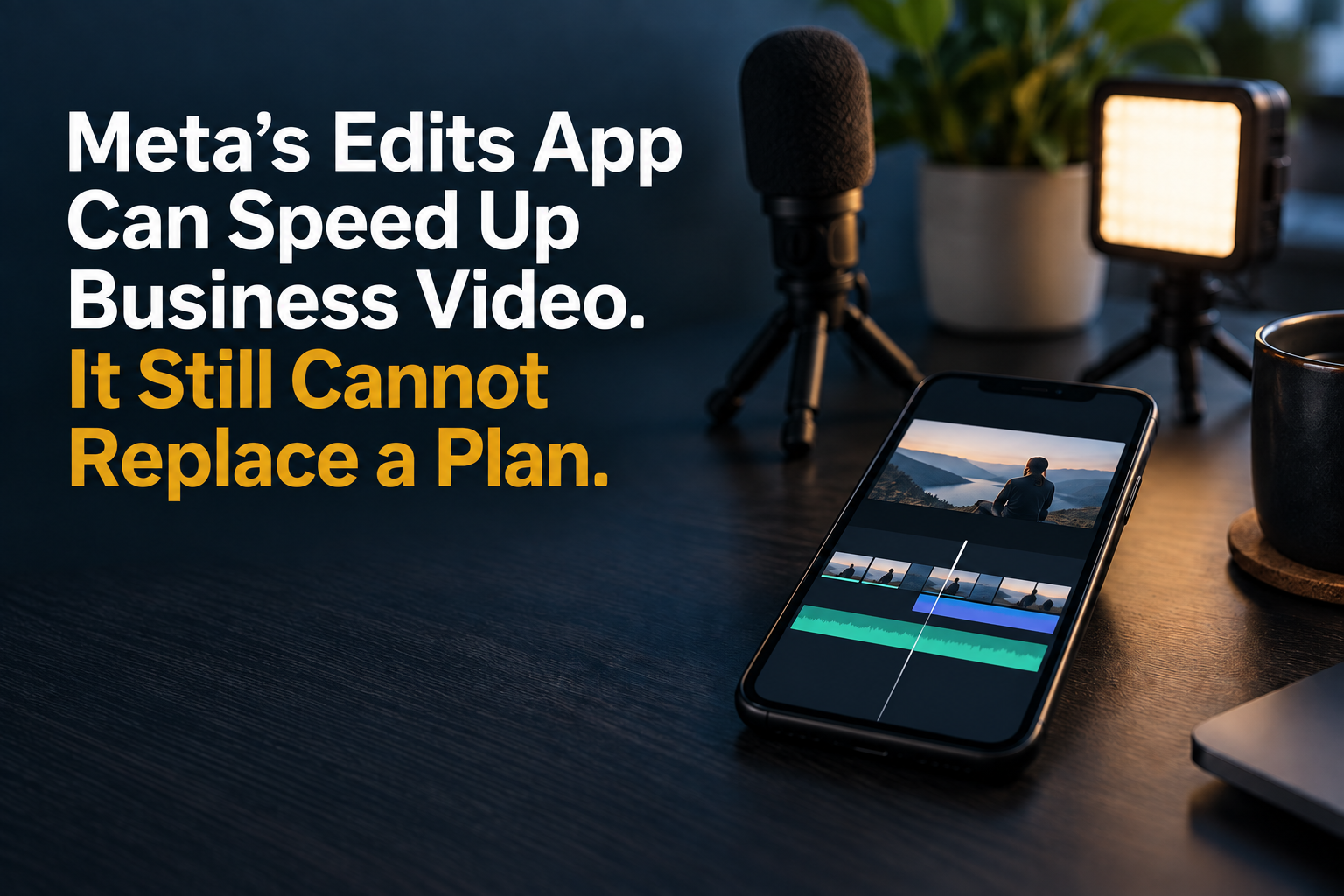
Meta’s Edits app is capable enough for many routine business videos, especially short updates, simple demonstrations and social-first clips produced on a phone. It can shorten the path from idea to post, but it cannot decide what your business should say, improve weak footage or make an unclear message useful.
Meta launched Edits on April 22, 2025, and the app is now more than a year old. Its current Google Play listing, updated September 10, 2026, shows that it has grown into a substantial mobile editor.
It Is Ready for Everyday Social Video
Edits supports 4K export without a watermark, clips up to 10 minutes, single-frame editing, automatic captions, audio enhancement and direct Instagram sharing. Meta has also added storyboards, title cards and templates since launch. For a restaurant special, event reminder, quick product explanation or behind-the-scenes clip, that may be all the editing power a small business needs.
The Tool Does Not Fix the Recording
Good editing cannot rescue every problem. A dark face, noisy room, shaky camera or distant voice still makes a business look unprepared. Record near a window or with a small light, move the microphone closer, steady the phone and capture a clean second take before you start trimming.
The same rule applies to the message. Decide who the video is for, what one point they should remember and what they should do next. If those answers are vague, more transitions and effects will not help.
Use a Simple Preproduction Checklist
Before recording, write a one-sentence goal, a short opening line and three supporting points. Choose the setting, remove background distractions and confirm whether you need vertical or horizontal footage. Then record extra detail shots so you have useful visual coverage when you edit.
Keep brand choices consistent. Use the same colors, caption style, name treatment and closing language from one video to the next. Templates can speed up production, but they should support your identity instead of making every post look like a trend.
Know When the Stakes Are Higher
Handle routine updates internally when the message is simple, the location is controlled and a phone-quality result matches the purpose. Consider professional help for paid advertising, customer testimonials, complex demonstrations, major announcements, multi-camera work or any video that must stay useful for months.
Professional production is not only about a better camera. Planning, lighting, sound, interviewing, pacing and approval management become more important when the video represents a major investment or carries reputational risk.
Judge the Result, Not the App
Edits can make mobile production faster, and its insights may help you see where viewers lose interest. Still, a successful workflow should be measured by whether your team can publish clear, consistent videos that serve a real business goal. The app is a capable toolbox. The plan is what gives the tools direction.
Questions Business Owners Often Ask
Is Edits only for Instagram?
No. Meta says videos can be exported without an added watermark and posted elsewhere, although the app includes direct sharing to Instagram and Facebook.
Can Edits replace desktop editing software?
It can replace desktop software for many straightforward social videos. Longer, layered or technically demanding projects may still be easier to manage on a larger system.
Should every business video be professionally produced?
No. Frequent, useful updates can be recorded and edited internally. Professional production makes more sense when quality, coordination, shelf life or risk is higher.
What should a business improve first?
Start with the message, audio and lighting. Those three choices usually matter more than adding another effect or transition.